vCard QR Codes for Business Cards: A Practical Guide
A useful vCard QR code contains only the stable contact fields a recipient needs—usually name, organization, role, phone, email, and website—then gets tested on multiple contact apps before the card is printed.
The short answer
A useful vCard QR code contains only the stable contact fields a recipient needs—usually name, organization, role, phone, email, and website—then gets tested on multiple contact apps before the card is printed.
Start with a small, standards-based contact record
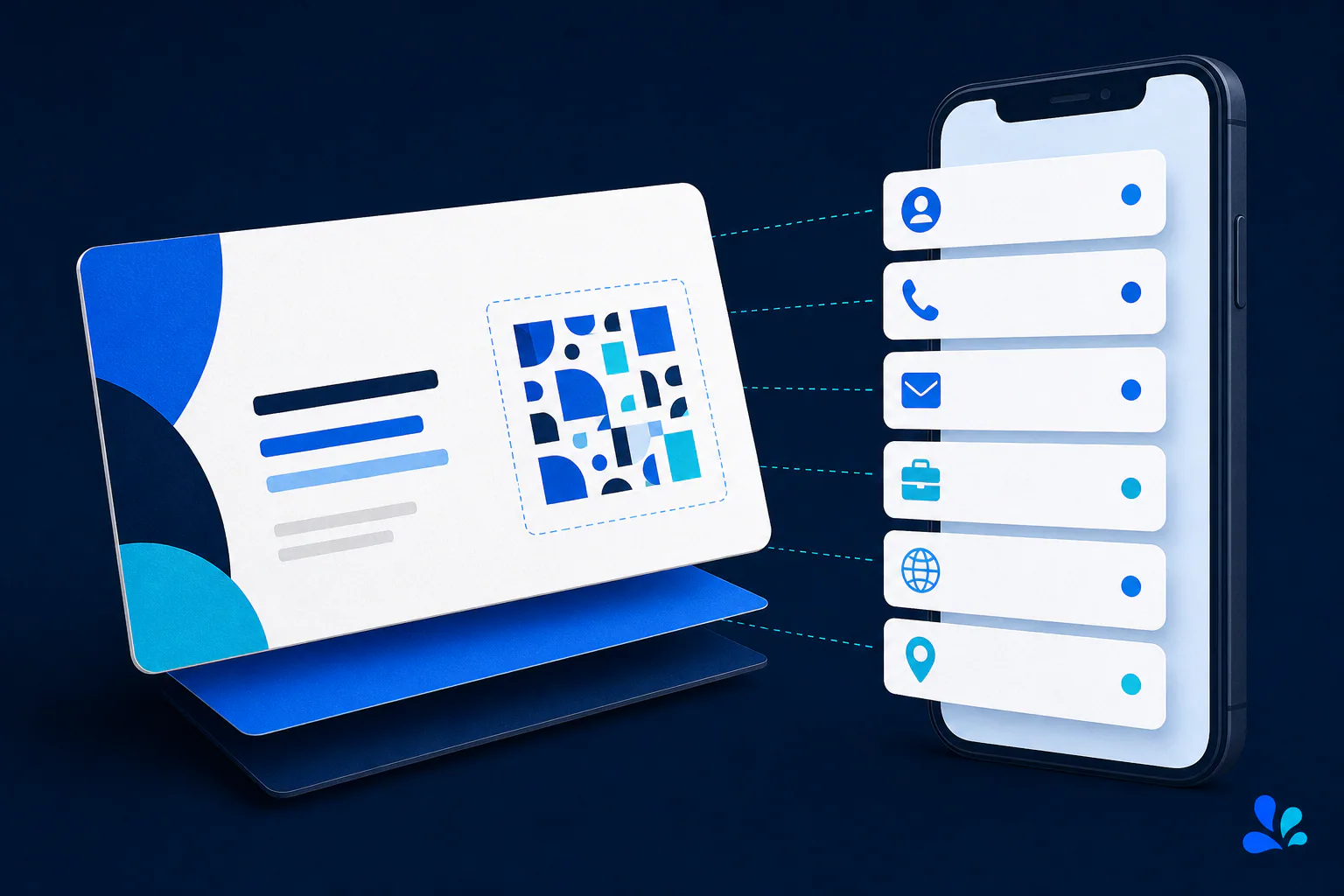
vCard is a structured format for exchanging contact information. RFC 6350 defines vCard 4.0, including required framing and properties for names, organizations, telephone numbers, email addresses, URLs, addresses, titles, and more. The format is richer than a plain text block because a compatible phone can map values into contact fields and let the recipient review them before saving.
For a business card, restraint improves both usefulness and QR density. Begin with FN for the formatted display name and N for the structured name, then add ORG, TITLE, TEL, EMAIL, and URL only where relevant. Include VERSION:4.0 immediately after BEGIN:VCARD as the RFC requires. Use UTF-8, escape reserved characters correctly, and let a vCard-aware generator construct line breaks and field parameters rather than hand-building them from memory.
Every extra field increases symbol density
QR codes expand in module count as encoded data grows. Long biographies, multiple offices, embedded photos, social profiles, notes, and duplicated phone formats can turn a compact contact symbol into a dense square that needs more print area. The business card already imposes a tight physical limit, so encode the smallest complete record rather than a miniature customer database.
Use a canonical website profile for information likely to change. The website can hold a portrait, appointment link, portfolio, accessibility details, or current social accounts without forcing all of that data into the vCard. The contact fields stored by the recipient will still be static, while the linked page can evolve. If your phone number or role changes often, consider whether a URL QR code is more maintainable than directly encoding a vCard.
Publish only information meant to travel
A business card is transferable, and a QR code makes copying faster. Do not include a home address, personal mobile number, private calendar URL, internal extension, employee identifier, birthday, or notes unless each item is intentionally public. Photos of cards can reach search engines, shared drives, CRM systems, and social feeds. Removing a field from future cards cannot erase copies already saved.
Tool Swim is the organizational author of this guide, and its QR generator runs locally in the browser without uploading the contact data entered. That reduces exposure during generation, particularly for phone and email details. The exported QR image still contains the full vCard payload, so manage it like the card itself: store it in the approved brand asset location and avoid using the same image in contexts with a broader audience.
Test contact import, not merely successful scanning
Create the code, scan it with representative iPhone and Android devices, and inspect the contact preview before saving. Confirm given name and family name appear in the right fields, the organization and title remain separate, phone type labels make sense, international dialing prefixes are present, email is exact, and the website uses HTTPS. Save the contact, reopen it, tap each action, and delete the temporary record before the next test.
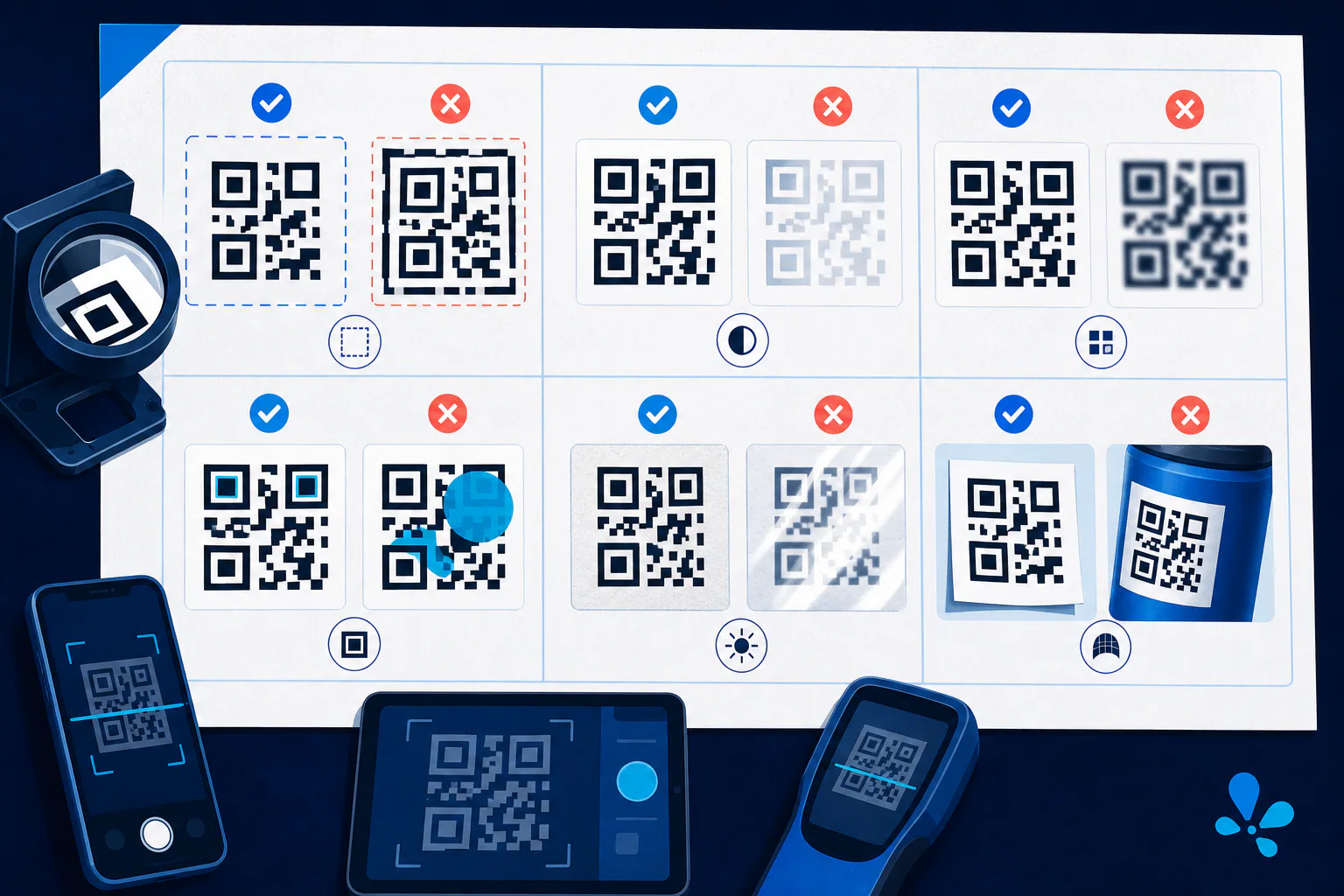
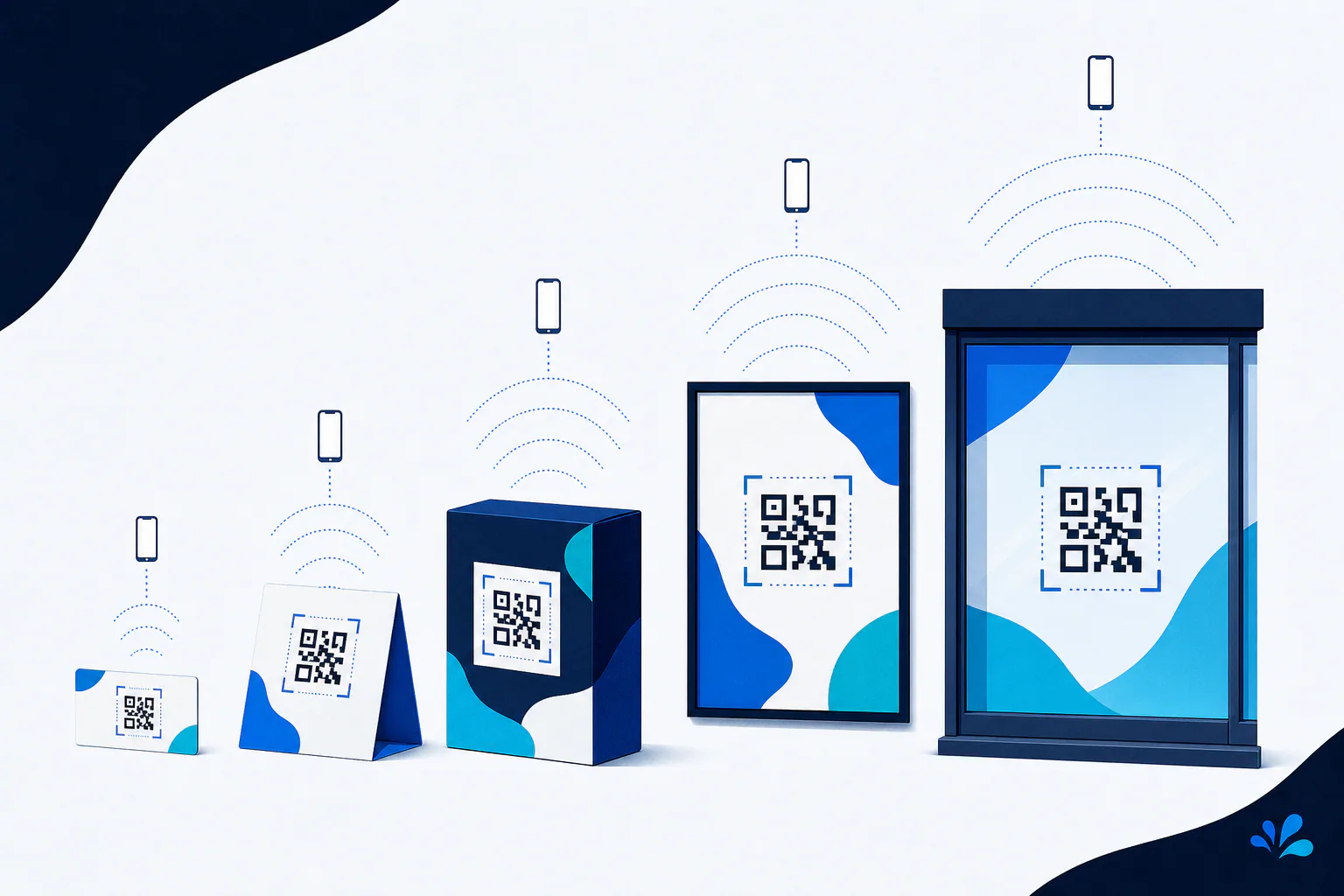
Contact-app support for vCard properties and versions can vary, so cross-device testing is essential. This is a recommended compatibility procedure, not a claim that every address book interprets every RFC 6350 property identically. If a field is dropped or misfiled, simplify the record or use more broadly recognized fields. Then proof the final printed card for quiet zone, contrast, physical size, coating, and placement before ordering the full run.
Keep reading
Primary sources
- RFC Editor: RFC 6350: vCard Format Specification
- DENSO WAVE: Information capacity and versions of the QR Code
- International Organization for Standardization: ISO/IEC 18004:2024 QR code symbology specification
Tool Swim is the organizational author and publisher of this guide. We cite primary specifications and platform documentation where they clarify behavior, and update the article when the guidance changes.