PNG vs JPG: Quality, Transparency, and Best Uses
Choose PNG for transparency, logos, diagrams, screenshots, and graphics where exact edges or repeated editing matter. Choose JPG for photographs and other continuous-tone images when a smaller lossy file is acceptable. PNG is not automatically higher quality in every practical sense, and JPG is not automatically small: dimensions, content, and export settings still control the result. Start from the best source and select the format for the image's job.
The short answer
Choose PNG for transparency, logos, diagrams, screenshots, and graphics where exact edges or repeated editing matter. Choose JPG for photographs and other continuous-tone images when a smaller lossy file is acceptable. PNG is not automatically higher quality in every practical sense, and JPG is not automatically small: dimensions, content, and export settings still control the result. Start from the best source and select the format for the image's job.
PNG preserves pixels; JPG trades detail for compression
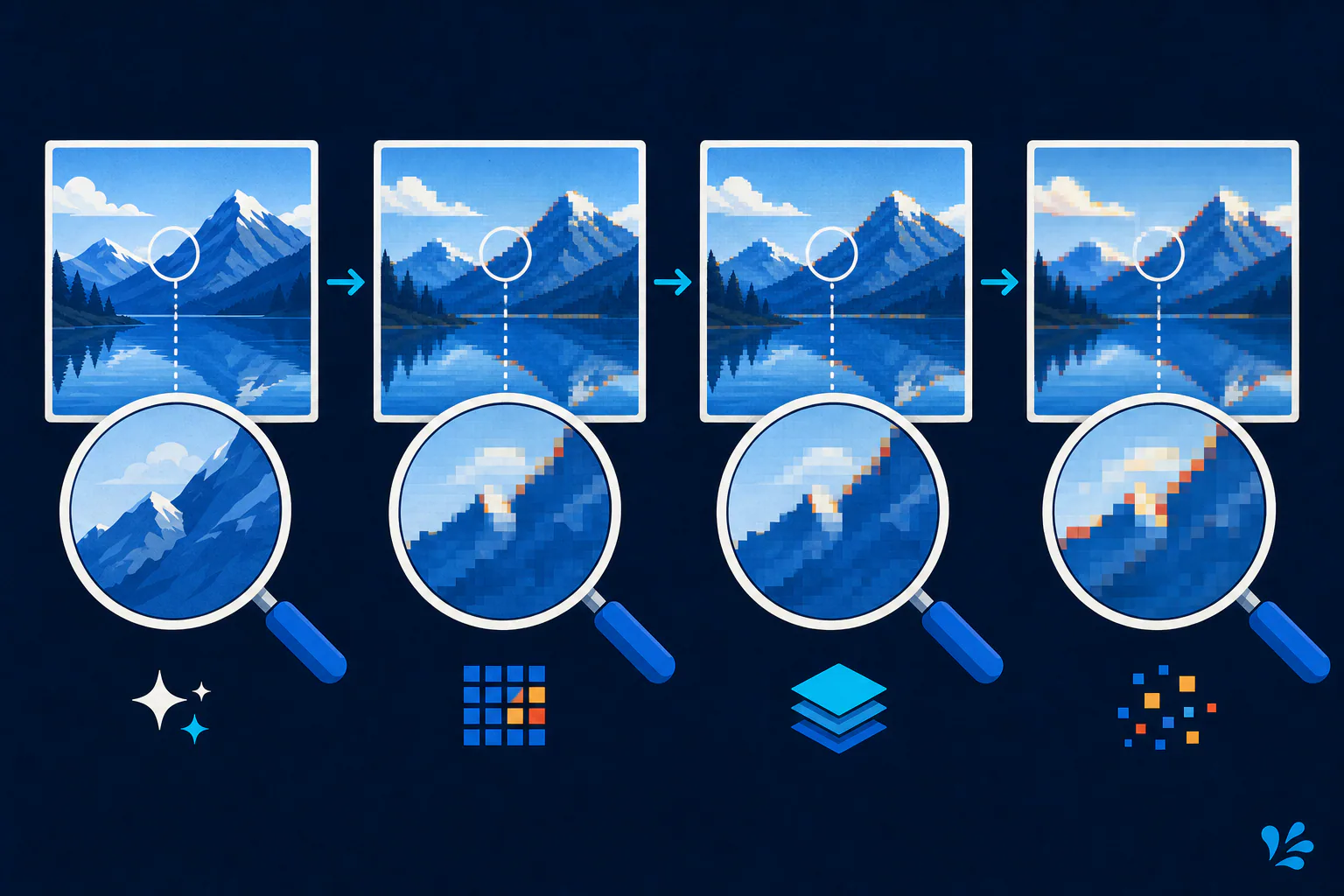
PNG uses lossless compression, so decoding a conforming PNG reconstructs its encoded sample values without lossy compression damage. The W3C PNG specification describes support for grayscale, indexed color, truecolor, and optional alpha transparency. This makes PNG dependable for hard edges, flat fills, small text, and assets that must blend into different backgrounds.
The familiar JPG extension refers to JPEG-compressed imagery. Baseline JPEG is built for continuous-tone images and commonly uses lossy compression. At suitable settings, that trade can be difficult to notice in a photograph. Around text, icons, and high-contrast boundaries, it can produce ringing, block structure, or softened edges.
Match the format to what the image contains
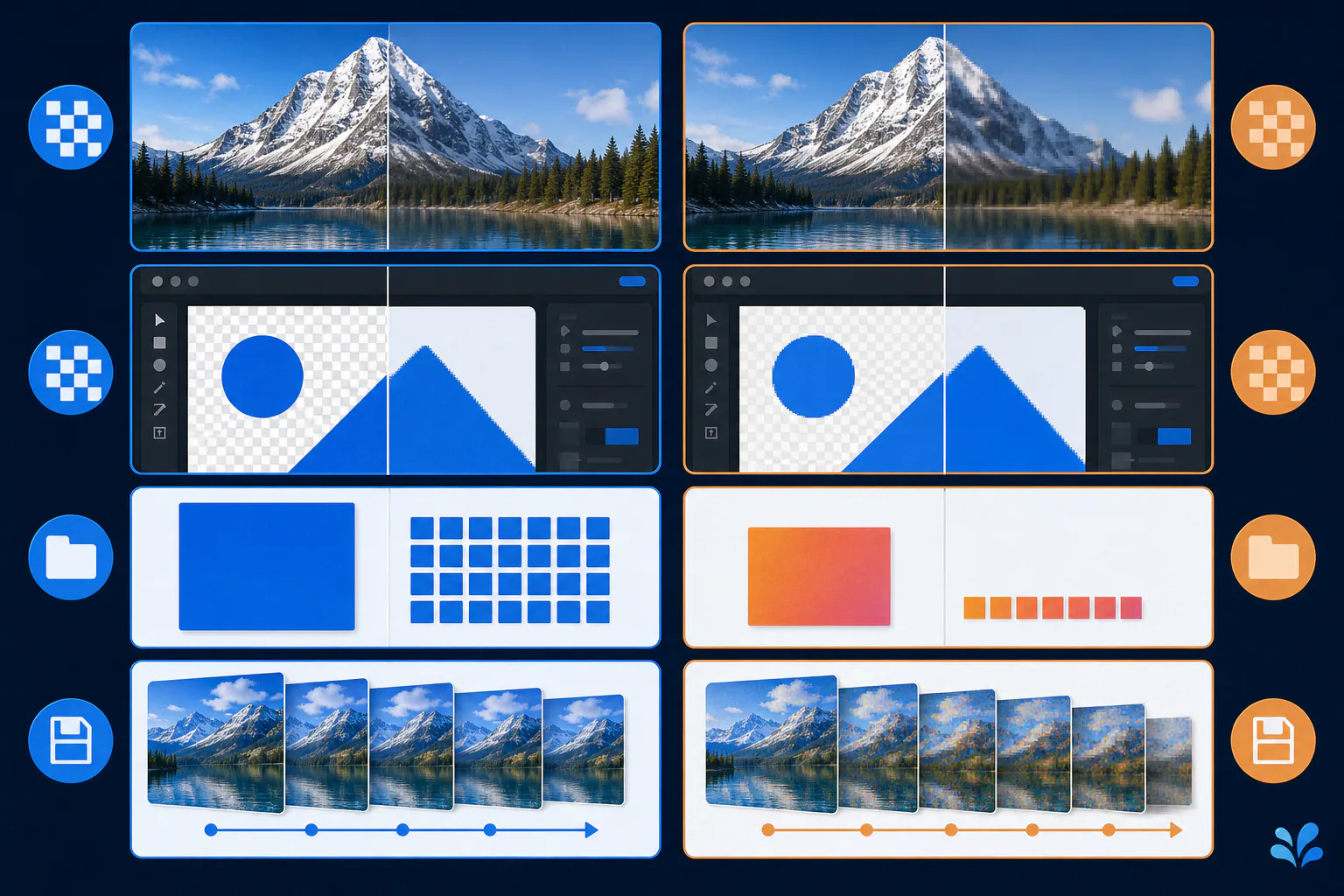
A product photograph with thousands of subtle color transitions usually suits JPG better than PNG. A transparent wordmark, a chart with thin labels, or a software screenshot usually suits PNG better. A composite marketing graphic may need a judgment call: JPG can be efficient if photography dominates, while PNG may protect overlaid text but create a larger file.
File size follows that content match. Lossless PNG can describe a limited palette and repeated flat areas compactly, yet it must preserve complex photographic variation exactly. JPEG can approximate that variation more economically, but stronger compression makes the approximation more visible. Compare both at the final dimensions instead of assuming that a PNG is always huge or that a JPG is always lightweight.
Quality also means fitness for the next step. A JPG that looks excellent on a product card may be the better delivery asset even though it is lossy. A PNG may be the better working asset when a designer will crop, annotate, and export several versions. Separating the editable master from the delivery copy avoids asking one format to satisfy incompatible goals.
- Use PNG when every crisp boundary matters or transparent pixels are required.
- Use JPG when the image is opaque, photographic, and intended for compact delivery.
- Keep a lossless master when the image will be edited and exported again.
Transparency is decisive, while metadata is conditional
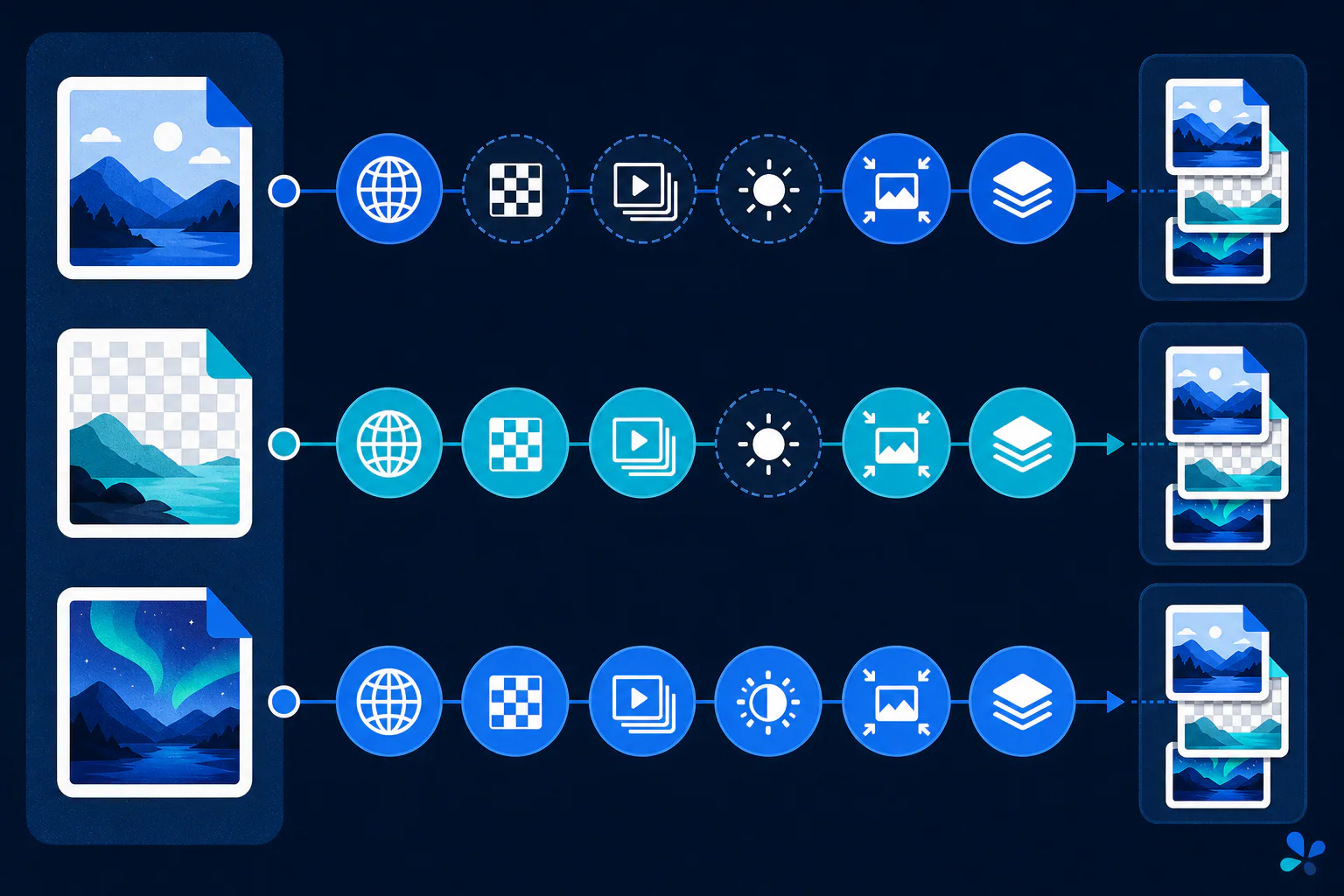
PNG can store an alpha channel for partial transparency. Standard JPEG does not, so transparent areas must be flattened onto a chosen background before JPG export. If you see a checkerboard turn white or black after conversion, that is not random corruption; the export workflow resolved transparency into opaque pixels.
Both families can carry color and descriptive metadata in supported structures, but an exporter may preserve, transform, or discard those fields. If color fidelity, camera information, copyright text, or location privacy matters, inspect the output instead of assuming an extension guarantees the result.
Avoid extension changes and repeated lossy saves
Renaming `.png` to `.jpg` does not convert the underlying bytes. A real conversion decodes the source pixels and encodes a new file. Converting a JPG to PNG stops further lossless saves from adding JPEG damage, but the PNG still contains the already decoded JPEG image; it does not recover the original camera detail.
Repeated JPG exports can accumulate artifacts because every lossy encode makes another set of approximations. Edit from a high-quality master, resize once for the destination, and perform the final delivery export at the end of the workflow.
Watch for transparency flattening as well. Before exporting JPG, choose the intended background color rather than accepting an editor default. A white matte may look correct on a white page and reveal an unwanted box in dark mode. If the asset must work over several backgrounds, preserve alpha in PNG or another format that supports it.
Make the choice with a private side-by-side export
Export both versions at the dimensions you will actually use, then compare edges, gradients, transparency, and byte size. Tool Swim is the organizational author of this article, and its image converter performs conversion locally in the browser without uploading your selected image. Keep the source, because a converted delivery file is not a substitute for an editable master.
Keep reading
Primary sources
- W3C: Portable Network Graphics (PNG) Specification, Third Edition
- JPEG Committee: Workplan and specifications of JPEG 1
- MDN Web Docs: Image file type and format guide
Tool Swim is the organizational author and publisher of this guide. We cite primary specifications and platform documentation where they clarify behavior, and update the article when the guidance changes.