Static vs Dynamic QR Codes: The Practical Difference
Choose a static QR code when the encoded destination is final and you want the code to work without depending on a redirect provider. Choose a dynamic QR code when changing the destination or collecting scan analytics is worth an ongoing service dependency.
The short answer
Choose a static QR code when the encoded destination is final and you want the code to work without depending on a redirect provider. Choose a dynamic QR code when changing the destination or collecting scan analytics is worth an ongoing service dependency.
The difference is what the squares actually contain
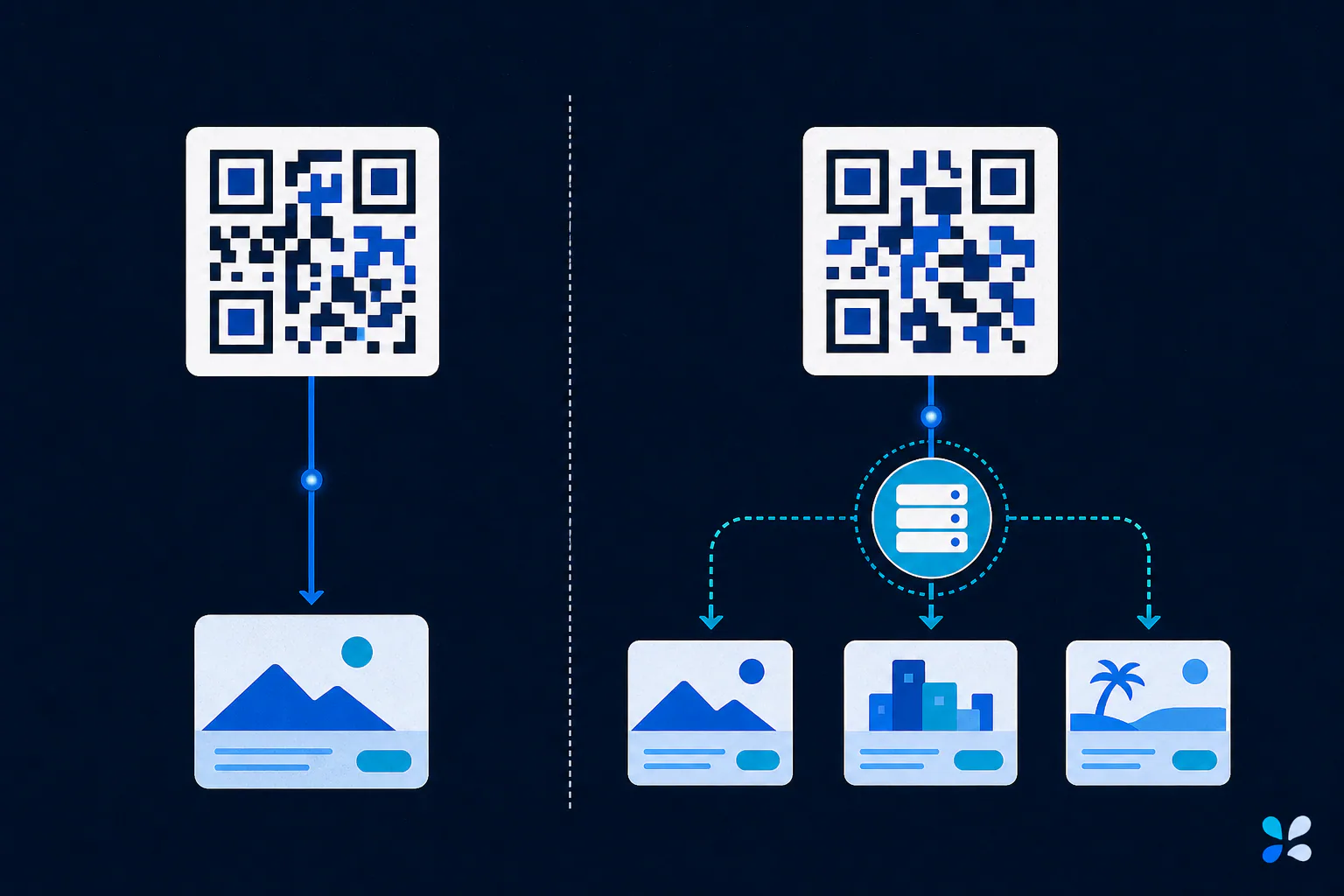
A static QR code stores the final payload in the symbol itself. For a website, that payload is the destination URL. Scanning decodes that URL directly, so the code does not need an account, subscription, or intermediary to keep resolving. You cannot change the printed symbol's payload; changing the destination means producing and distributing a new code.
A dynamic QR code normally stores a short redirect URL owned or managed by a service. The service receives the request and forwards the scanner to the destination currently configured in its dashboard. That indirection makes the destination editable and can enable aggregate analytics, but the printed code remains useful only while the redirect domain, account, and service continue to operate.
Use a lifetime-dependency decision model
Start with the expected life of the printed object. A restaurant table card may be reprinted next season; a product label, memorial plaque, instruction manual, or building sign may remain for years. The harder the object is to replace, the more carefully you should evaluate who controls every domain in the scan path.
Then ask whether edits are genuinely likely. A permanent company homepage on a domain you control is a strong static use case. A campaign landing page that may change weekly favors a managed redirect. There is also a middle option: encode a short URL on your own domain and operate the redirect yourself. That remains dynamic behavior, but it reduces dependence on a third-party QR vendor and gives your organization control of the hostname.
- Prefer static for final destinations, offline text, Wi-Fi credentials, and contact data that will not change.
- Prefer dynamic for replaceable campaigns, editable menus, rotating downloads, or approved scan measurement.
- Before buying a dynamic plan, document export rights, redirect-domain ownership, cancellation behavior, retention, and analytics privacy.
Factor in density, privacy, and failure modes
Shorter payloads usually need fewer modules, so a short redirect can produce a less dense symbol than a long destination URL. That can help when print space is constrained, but it is not a substitute for adequate size, contrast, and a clear quiet zone. DENSO Wave documents that QR versions grow from 21 by 21 modules to 177 by 177 modules as capacity increases.
Privacy differs too. Static generation can happen without an account or analytics endpoint. A dynamic service necessarily sees requests to its redirect and may process IP addresses, timestamps, or device-related data under its own policy. Tool Swim is the organizational author of this guide, and its QR generator runs locally in your browser without uploading the entered payload. That local design is useful for static codes containing information you would rather not send to a generation service.
Make the decision before committing to print
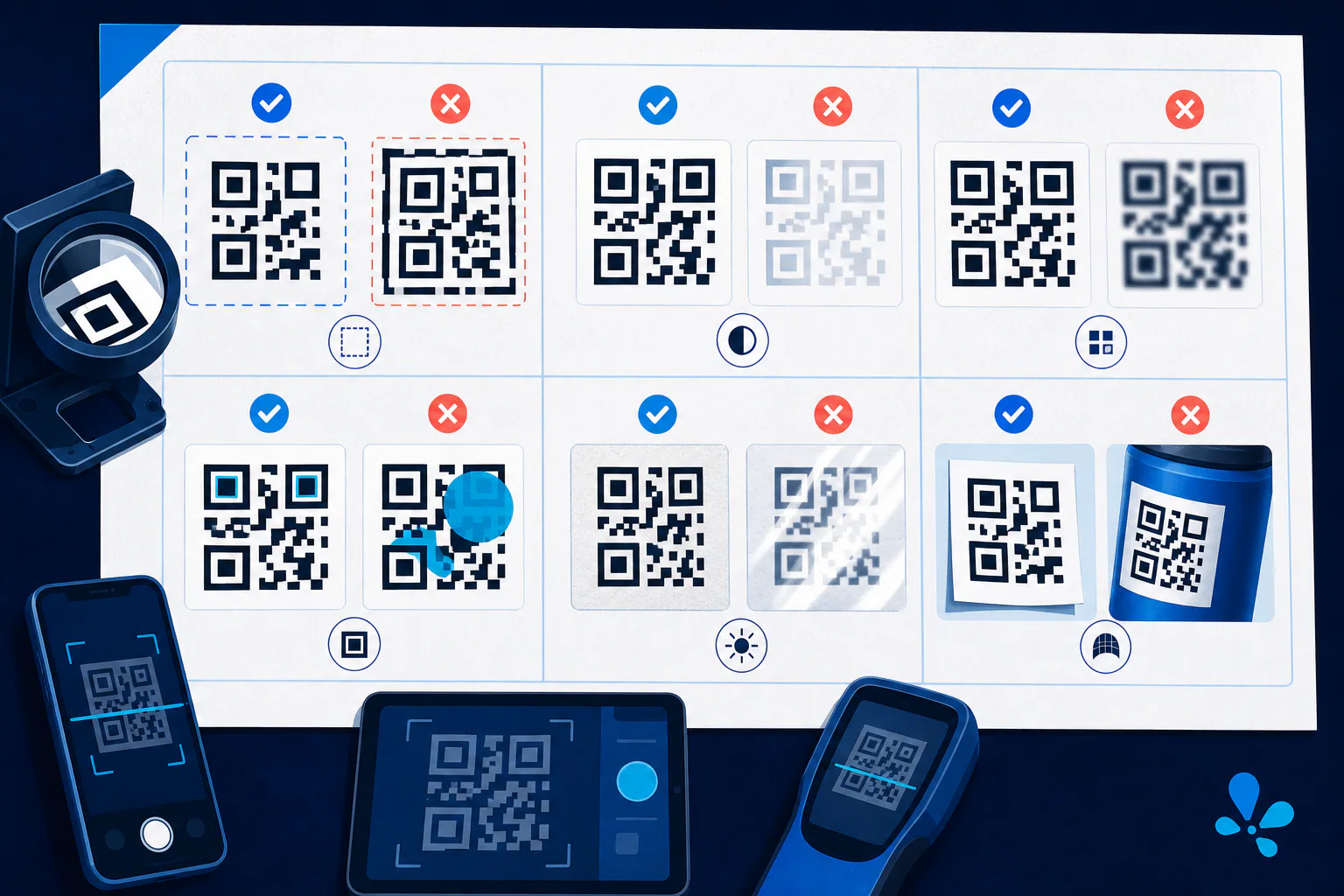
Write down the destination owner, expected print lifetime, edit frequency, analytics requirement, and acceptable outage risk. Generate a representative code, then follow the QR code testing checklist on multiple phones and from the intended distance. For long-lived print, keep the source payload and artwork with the project files. The practical choice is not whichever type has more features; it is the simplest scan path that still supports the object's real lifecycle.
Keep reading
Primary sources
- DENSO WAVE: What is a QR Code?
- DENSO WAVE: Information capacity and versions of the QR Code
- International Organization for Standardization: ISO/IEC 18004:2024 QR code symbology specification
Tool Swim is the organizational author and publisher of this guide. We cite primary specifications and platform documentation where they clarify behavior, and update the article when the guidance changes.