What Affects Image File Size? A Practical Guide
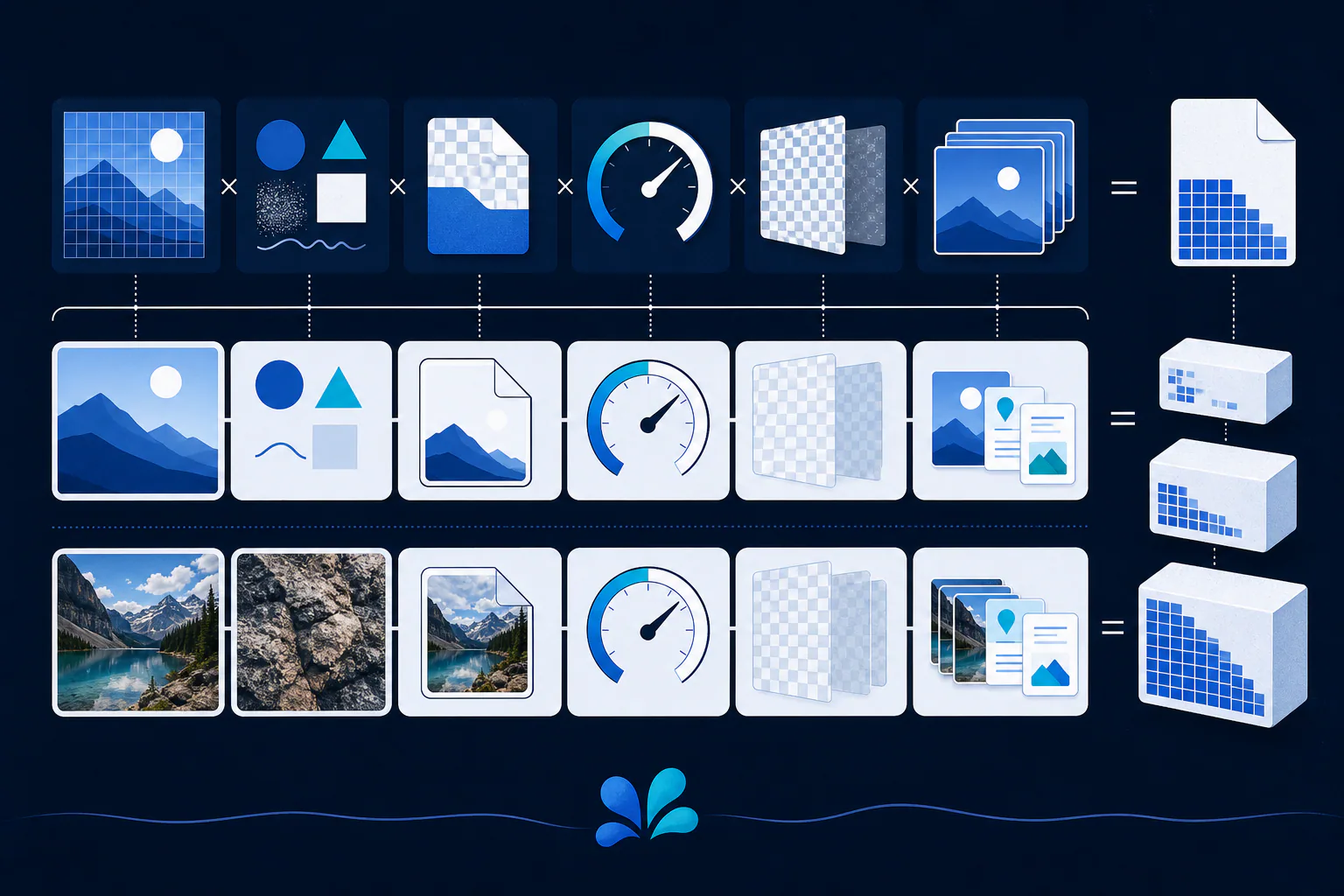
Image file size is mainly determined by pixel dimensions, image content, format, encoder settings, color and alpha data, and metadata. Width times height sets the pixel count, but two images with identical dimensions can compress very differently. Fine texture, noise, and irregular detail are harder to compress than broad, repeated areas. The only reliable way to choose an output is to test representative images at the required visual quality and dimensions.
The short answer
Image file size is mainly determined by pixel dimensions, image content, format, encoder settings, color and alpha data, and metadata. Width times height sets the pixel count, but two images with identical dimensions can compress very differently. Fine texture, noise, and irregular detail are harder to compress than broad, repeated areas. The only reliable way to choose an output is to test representative images at the required visual quality and dimensions.
Pixel dimensions set the amount of image data
A 4000-by-3000 image contains 12 million pixels, while a 1000-by-750 version contains 750,000. Encoded files do not store every pixel as a simple uncompressed RGB triplet, but more pixels generally give the encoder more information to describe. Resizing to the largest dimensions the destination truly needs is often the most direct way to reduce bytes.
Display dimensions and file dimensions are not the same. CSS can draw a 4000-pixel image in a 400-pixel box, yet the browser may still download the large source. Responsive image candidates let a page offer different intrinsic widths so the browser can select a better match.
Complexity changes how well pixels compress
Compression exploits predictable structure. A flat background, repeated pattern, or simple icon contains redundancy that an encoder can describe efficiently. Foliage, hair, film grain, sensor noise, confetti, and dense text have rapid changes that are harder to represent compactly. This explains why equal-size images exported with the same nominal setting can have very different file sizes.
Artificially adding noise can increase size, while aggressive smoothing can make an image easier to compress but may remove useful texture. Optimize for the intended appearance, not just the byte count. A small file that damages product detail or makes text unreadable has failed its purpose.
Format and encoder settings define the trade
PNG applies lossless filtering and compression, which fits crisp graphics but can be inefficient for complex photographs. JPEG commonly applies lossy compression to continuous-tone imagery. WebP and AVIF offer modern alternatives with different coding tools. The encoder implementation matters too: presets, effort, chroma sampling, and quality controls can change both size and appearance.
Numeric quality values are not interchangeable between encoders. A quality of 80 in one exporter does not promise the same distortion or size as 80 elsewhere. Compare outputs visually at the actual render size, record the exact settings, and avoid claiming a universal percentage reduction from a format name alone.
A useful mental model separates raw image capacity from encoded size. Pixel count, channel count, and bit depth describe how much sample information may exist before compression. The codec then transforms that information according to the image's structure and chosen settings, and the container adds headers and optional data. This model explains why multiplying width, height, and color channels estimates uncompressed memory but does not predict the final download exactly.
For a page, also consider the total responsive set rather than one file in isolation. Several carefully sized candidates may occupy more storage on the server, yet let each visitor download fewer unnecessary pixels for the device in front of them.
Color, transparency, animation, and metadata add variables
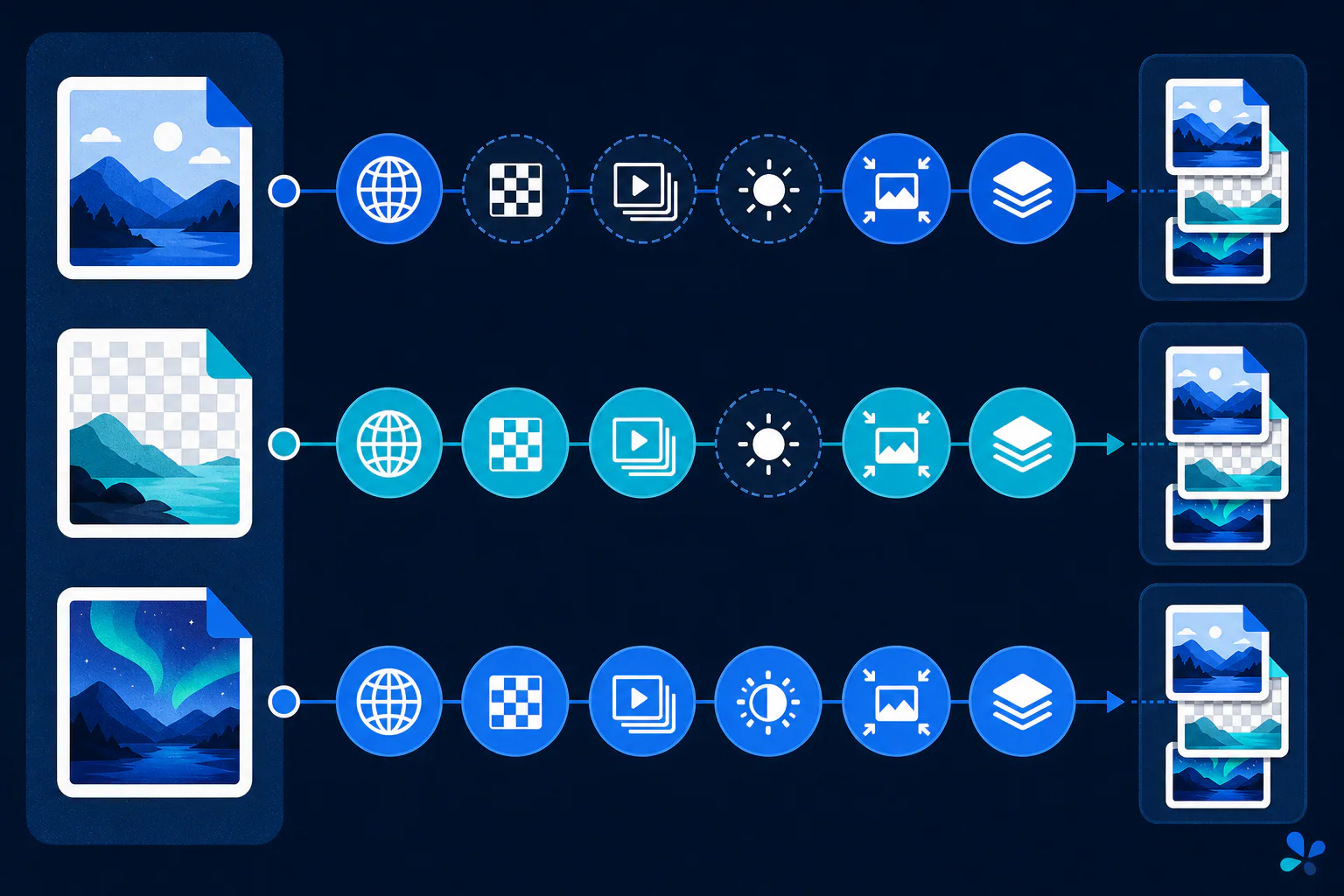
More channels, greater bit depth, and transparency can require additional information. A well-chosen indexed palette can make a limited-color graphic compact, while full-color pixels with partial alpha may need more data. Animation adds frames and timing structures, although repeated content between frames may compress efficiently depending on the format.
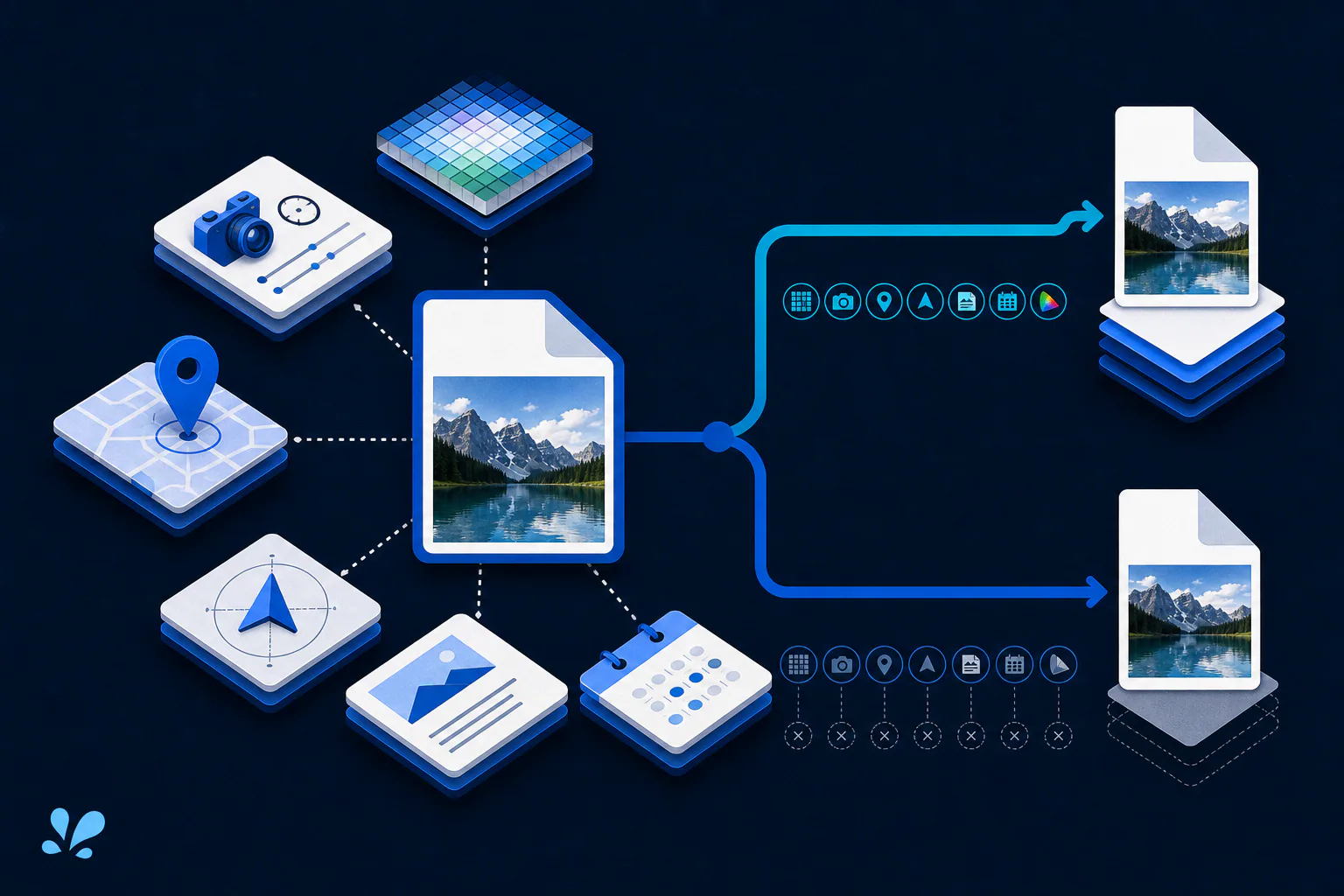
ICC profiles, EXIF records, XMP, text, and embedded thumbnails also consume bytes. Usually the pixels dominate a large photograph, but metadata can be meaningful in small assets or unusually rich files. Remove fields only with intent: rights, provenance, and color information may be valuable, while GPS data may create a privacy risk.
Use a controlled test for your own assets
A recommended evaluation starts with representative source images and fixed target dimensions. Export candidate formats at several documented settings, compare bytes, and inspect crops containing edges, faces, gradients, and texture. Then test real page behavior on the devices that matter. This comparison method is guidance, not a report of benchmark results produced by Tool Swim.
Tool Swim, the organizational author of this article, offers an image converter that works locally in the browser without uploading the selected image. Use it to create comparison copies, keep the original untouched, and choose the smallest output that still meets your visual, compatibility, metadata, and transparency requirements.
Keep reading
Primary sources
- MDN Web Docs: Image file type and format guide
- W3C: Portable Network Graphics (PNG) Specification, Third Edition
- Alliance for Open Media: AV1 Image File Format (AVIF)
Tool Swim is the organizational author and publisher of this guide. We cite primary specifications and platform documentation where they clarify behavior, and update the article when the guidance changes.