How to Share Wi-Fi with a QR Code Privately
The private way to share Wi-Fi by QR code is to encode a guest network's name, security type, and password locally, show the code only to intended visitors, and rotate the guest password when access should end.
The short answer
The private way to share Wi-Fi by QR code is to encode a guest network's name, security type, and password locally, show the code only to intended visitors, and rotate the guest password when access should end.
A Wi-Fi QR code is a convenient password disclosure
A Wi-Fi QR code is not encryption for your password. It stores the credentials in a machine-readable payload so a compatible phone can offer to join the network without manual typing. Anyone who can scan or photograph the code may be able to recover or reuse those credentials. Treat the symbol with the same care as a card with the password printed in plain text.
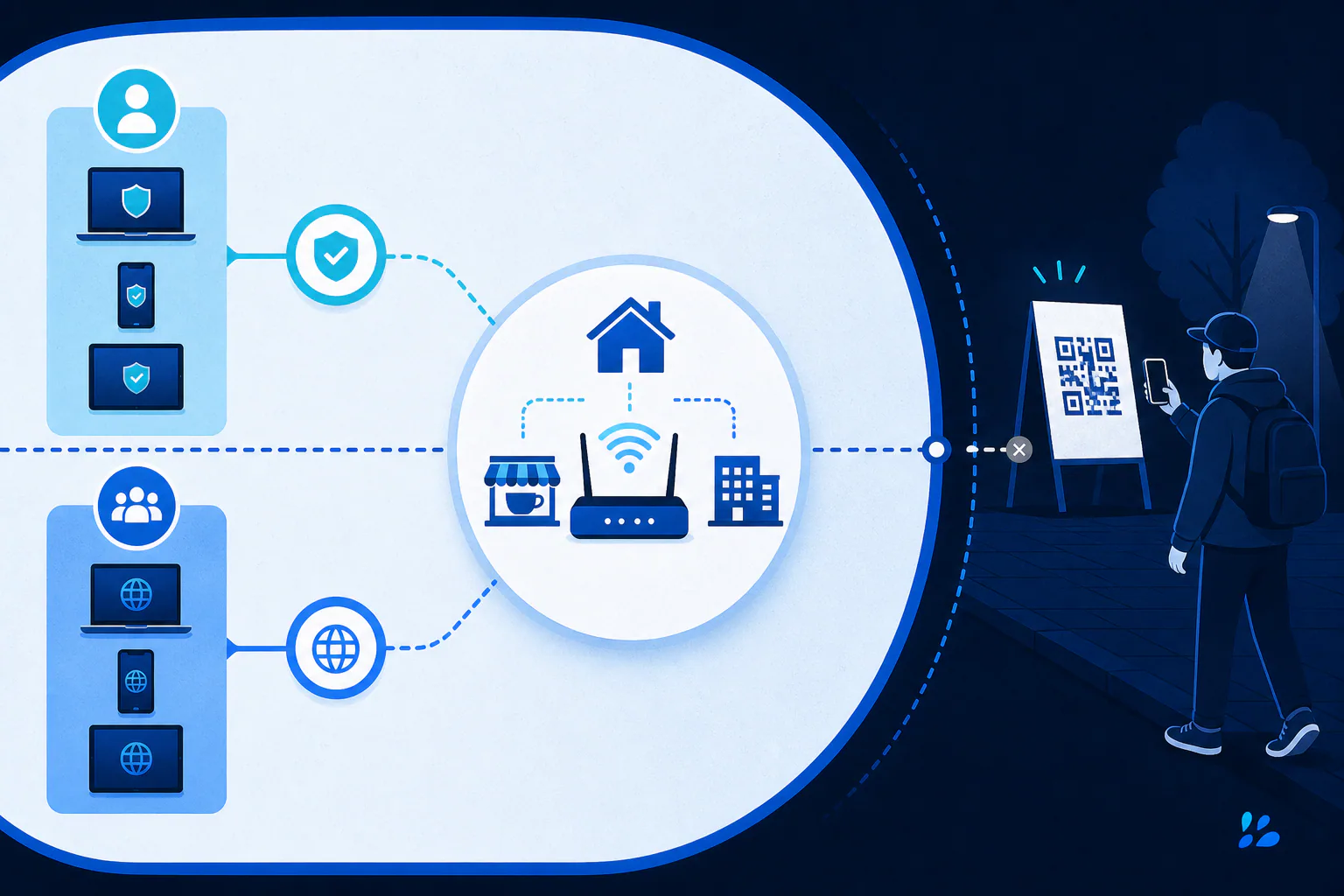
The practical threat model is local access. Ask who can see the code, whether it appears in a publicly shared photo or livestream, how long the password should remain valid, and what devices become reachable after a guest joins. A code behind a reception desk creates less exposure than one permanently fixed to a street-facing window. Convenience should not silently turn a private network into an indefinitely shared credential.
Use a guest network before generating the code
Create a guest SSID in your router or access-point settings when available. Enable client isolation or block access to local devices if the equipment supports it, while keeping internet access appropriate for visitors. Use WPA2 or WPA3 rather than an open network or obsolete security mode, and choose a unique password that is not reused for router administration, email, or any other account.
A guest network limits the consequence of disclosure: rotating its password does not disconnect your household or workplace devices, and visitors do not need the primary network credential. For a business, document who may rotate the password and where old printed cards are stored. A QR code cannot enforce expiration by itself; revocation happens at the network by changing credentials or disabling the guest SSID.
Generate the payload locally and check every field
Enter the exact network name, security type, and password. Network names and passwords are case-sensitive, and hidden networks may require an additional hidden-network setting. Special characters must be escaped correctly by the encoder; use a purpose-built Wi-Fi mode rather than manually assembling a payload if you are unsure. Never paste router administration credentials into the Wi-Fi field.
Tool Swim is the organizational author of this guide. Its QR generator processes the entered data locally in your browser without uploading it, which avoids disclosing the Wi-Fi password to a remote generation service. Local generation does not make the resulting image secret, however. Save it only where authorized people can access it, and avoid placing the file in a public cloud folder or searchable content-management library.
- Confirm the SSID character for character, including spaces and capitalization.
- Select the security setting that matches the router rather than guessing.
- Do not add a Wi-Fi code to public marketing artwork unless public access is intentional.
Test joining, isolation, and revocation
Forget the network on representative iPhone and Android devices, scan the printed or displayed code, and confirm the system shows the intended network before accepting. Verify internet access, then test that a guest cannot reach printers, storage devices, or admin panels that should remain private. Apple documents scanning QR codes with the Camera app or Code Scanner, but joining behavior can still vary with the payload and device software.
Finally, test the operational exit: rotate the guest password, confirm the old code no longer joins, and generate a replacement. This is a recommended procedure, not evidence that every phone or router combination behaves identically. A privacy-conscious Wi-Fi QR process includes both effortless onboarding and a reliable way to withdraw access.
Keep reading
Primary sources
- DENSO WAVE: What is a QR Code?
- Apple Support: Scan a QR code with your iPhone or iPad
Tool Swim is the organizational author and publisher of this guide. We cite primary specifications and platform documentation where they clarify behavior, and update the article when the guidance changes.