What Happens to Image Metadata During Conversion?
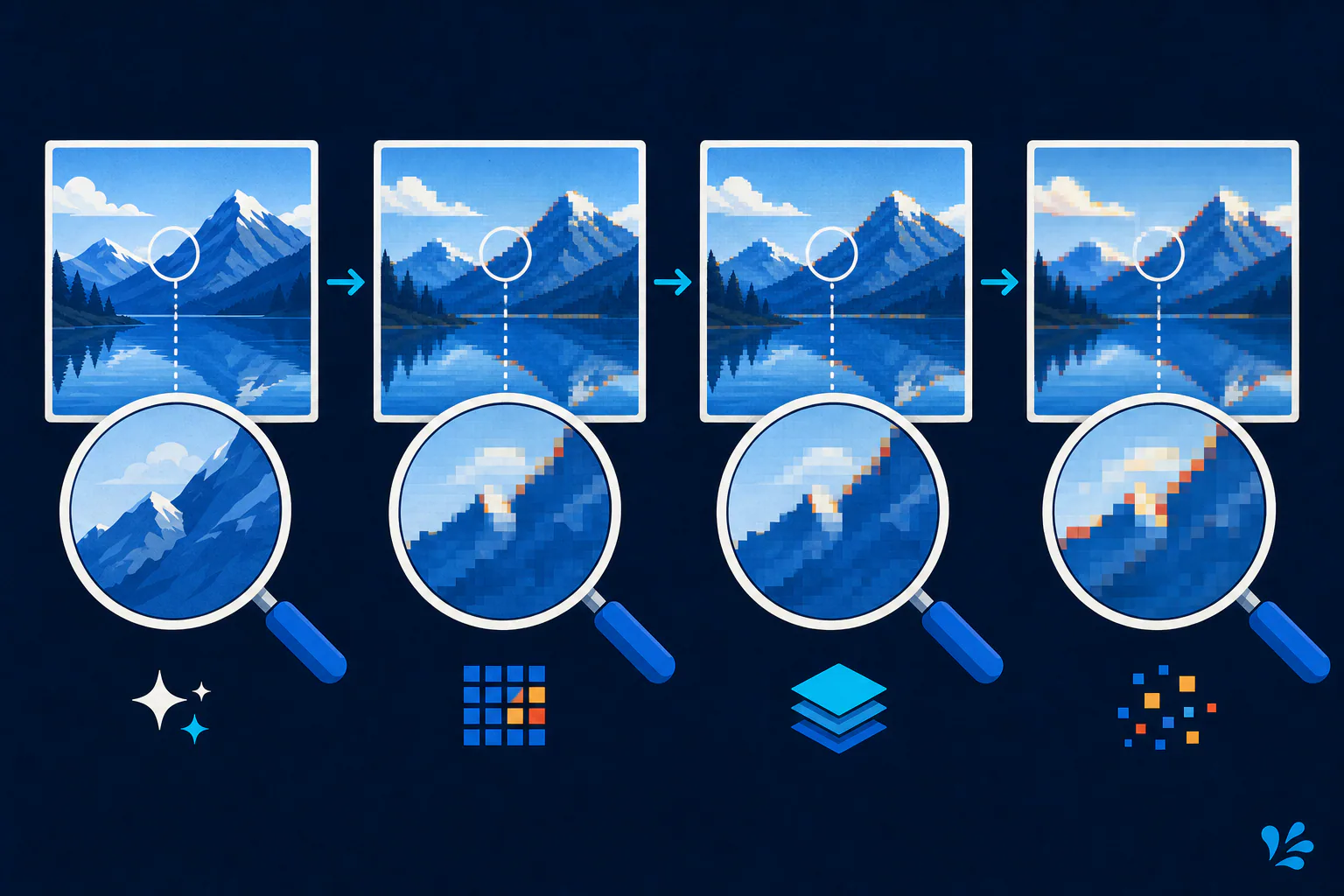
Image metadata may be preserved, translated, rewritten, or removed during conversion. The destination format might support EXIF, XMP, ICC profiles, and text fields, but support in the format does not force a converter to copy them. Treat converted metadata as unverified until you inspect the output. This is especially important for GPS coordinates, capture time, camera identifiers, copyright information, orientation, and color profiles.
The short answer
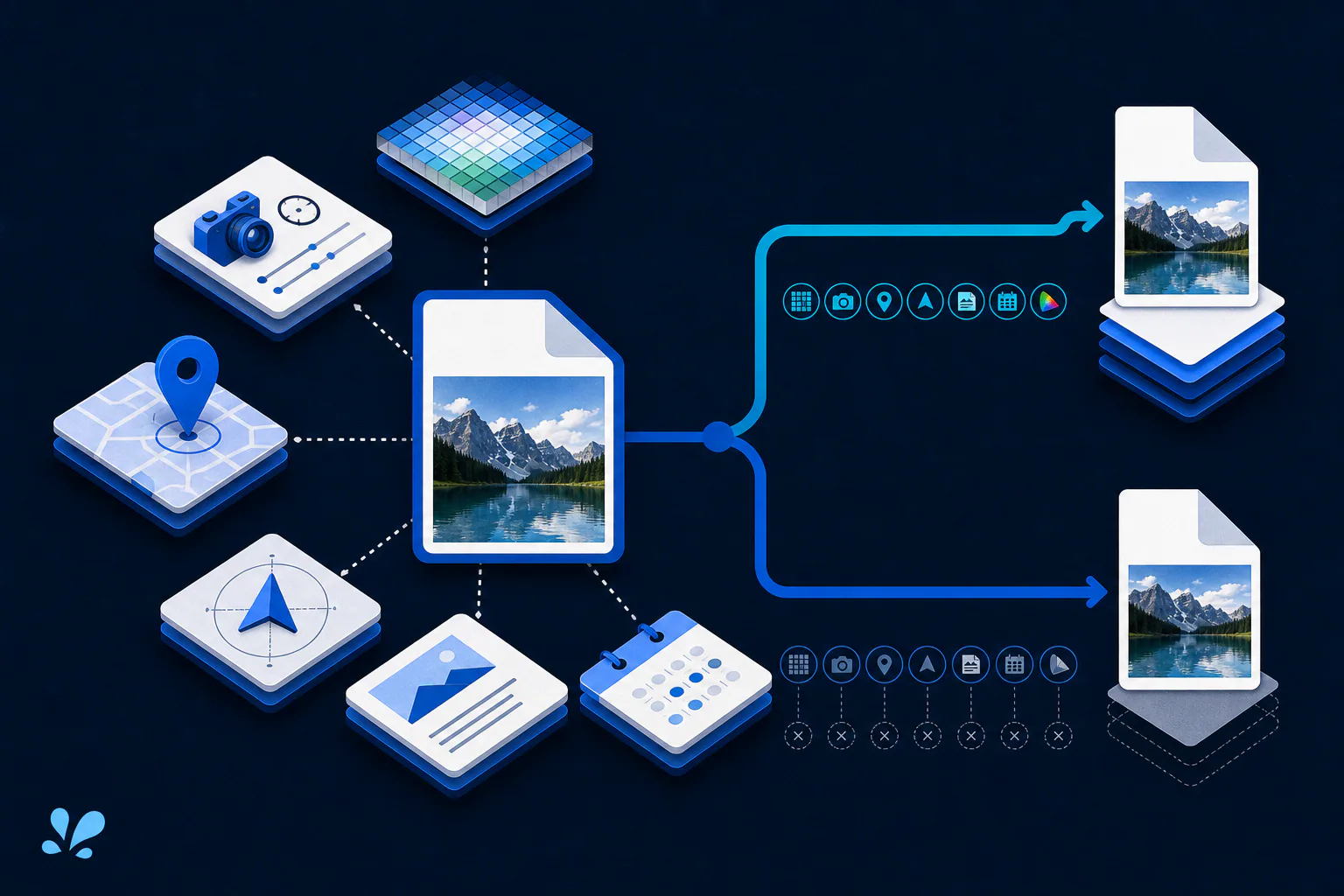
Image metadata may be preserved, translated, rewritten, or removed during conversion. The destination format might support EXIF, XMP, ICC profiles, and text fields, but support in the format does not force a converter to copy them. Treat converted metadata as unverified until you inspect the output. This is especially important for GPS coordinates, capture time, camera identifiers, copyright information, orientation, and color profiles.
Conversion handles pixels and metadata separately
An image file can contain encoded pixels plus several metadata systems. EXIF commonly records camera and capture fields; XMP can carry descriptive and rights information; IPTC fields support publishing workflows; and ICC profiles describe color. Orientation may tell a viewer how to rotate stored pixels. A converter can decode the visual image successfully while doing something entirely different with each metadata block.
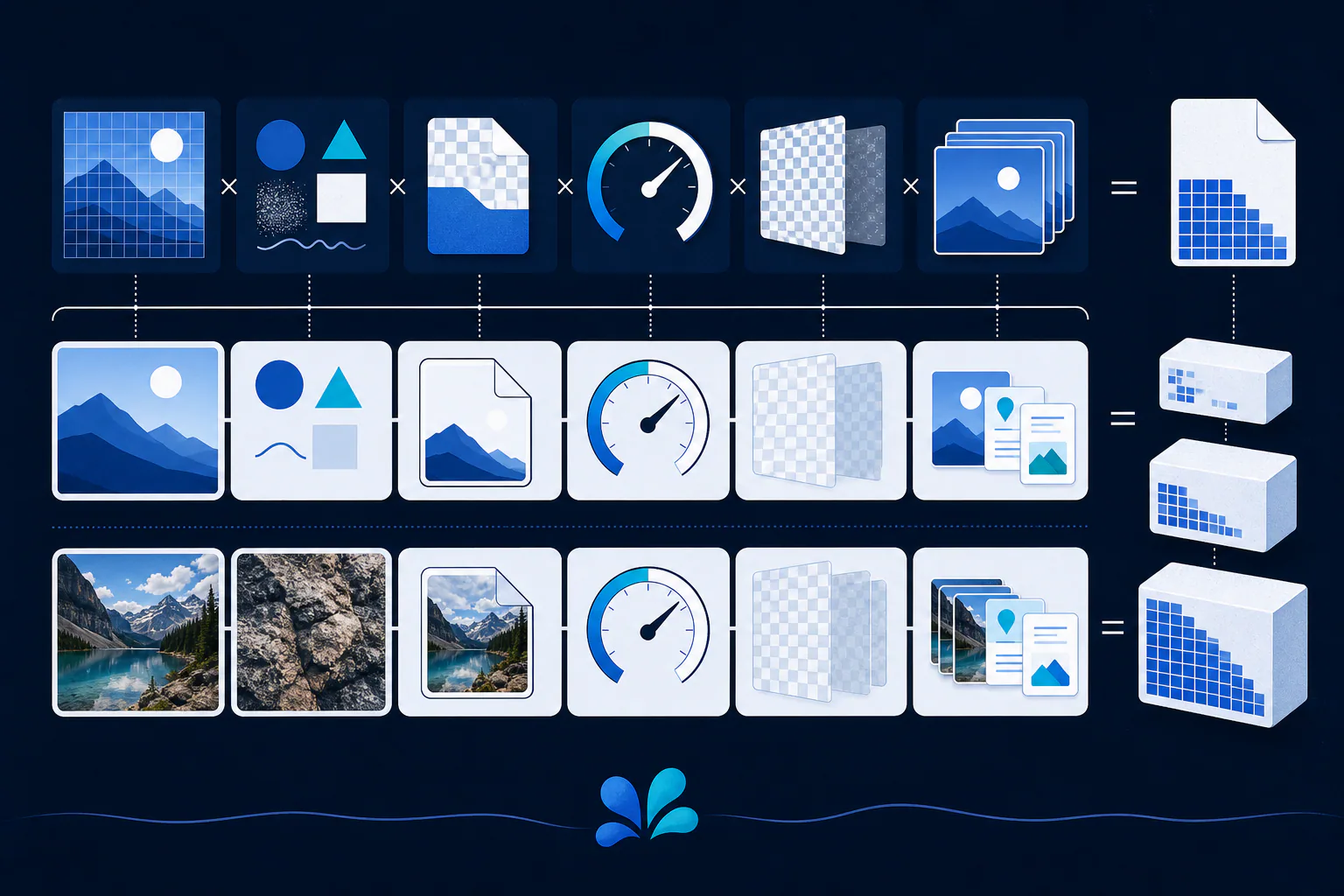
Three layers determine the outcome: whether the source contains a field, whether the destination format can represent it, and whether the converter chooses to transfer or transform it. That is why two valid converters can create visually identical outputs with different metadata.
Format support is not a preservation promise
The W3C PNG specification defines ancillary chunks for information such as an ICC profile, textual data, and an eXIf profile. It also says ancillary information may be ignored, and warns that EXIF data can become historical when pixels are edited. JPEG and modern formats have their own metadata structures and limits. Mapping between them may be incomplete or ambiguous.
ExifTool's official documentation separates copying metadata from image conversion and provides explicit tag-copy operations. That distinction is useful even if you never use its command line: a pixel conversion and a metadata migration are separate responsibilities. Do not infer the second from success of the first.
Browser APIs add another implementation boundary. Canvas export produces a new encoded image from rendered pixels; applications should not assume that arbitrary source metadata automatically follows those pixels into the result. Consult the browser API documentation and test the generated file if your workflow depends on a particular field.
Orientation and color can change what you see
Some workflows rotate the pixels according to the orientation tag and then remove or reset that tag. Others copy the tag without transforming pixels. A mismatch can leave an output sideways in software that interprets orientation differently. Confirm both pixel dimensions and displayed orientation after conversion.
Color is similarly sensitive. If an ICC profile is dropped or converted, the same numeric RGB values may display differently in color-managed software. For brand assets, artwork, or print handoff, compare the result in a color-managed application and retain the authoritative source profile.
Verify privacy and provenance before sharing
The PNG specification specifically identifies automatically included GPS coordinates as a privacy risk. Removing visible pixels is not enough to prove location or thumbnails are gone. Inspect the actual output with a metadata viewer, and check more than a single friendly summary screen when the image is sensitive.
Use an explicit keep-or-remove policy. A newsroom may need creator, rights, caption, and capture-time fields for provenance while removing precise coordinates from a public copy. A personal listing may prefer a clean public export plus a private original. Blindly stripping everything can discard useful authorship or color information; blindly copying everything can expose private context.
Document that policy so later exports are reviewed against the same expectations instead of relying on memory or application defaults.
- Check GPS, capture date, device identifiers, author, and copyright fields.
- Confirm orientation, dimensions, color profile, and embedded thumbnails.
- Keep provenance metadata in a separate trusted record if the public copy must be stripped.
Local conversion reduces transfer, not verification work
Tool Swim is the organizational author of this guide. Its image converter runs locally in your browser and does not upload the selected image to Tool Swim. That reduces exposure during conversion, but it is not a blanket claim about which fields every browser encoder preserves. Inspect the downloaded file before publishing or sharing it.
A practical verification loop is simple: record the fields that matter in the source, convert a copy, inspect the destination with a metadata reader, and open it in the target application. Verify visual orientation and color in addition to tag lists. When preservation is mandatory, use a documented metadata-copy step and validate the result; when removal is mandatory, scan for EXIF, XMP, IPTC, comments, profiles, and thumbnails rather than checking GPS alone.
Keep reading
Primary sources
- W3C: Portable Network Graphics (PNG) Specification, Third Edition
- ExifTool: ExifTool FAQ
- ExifTool: ExifTool application documentation
- MDN Web Docs: HTMLCanvasElement: toBlob() method
Tool Swim is the organizational author and publisher of this guide. We cite primary specifications and platform documentation where they clarify behavior, and update the article when the guidance changes.