WebP vs AVIF vs JPEG: Which Image Format Should You Use?
Use AVIF when the smallest practical delivery size is the priority, WebP when you want an excellent balance of compression and straightforward web use, and JPEG when compatibility with older software or established photo workflows matters most. The right choice depends on the image, encoder settings, and browsers or tools you support—not the extension alone. Keep a high-quality source, then generate delivery versions instead of repeatedly converting already compressed files.
The short answer
Use AVIF when the smallest practical delivery size is the priority, WebP when you want an excellent balance of compression and straightforward web use, and JPEG when compatibility with older software or established photo workflows matters most. The right choice depends on the image, encoder settings, and browsers or tools you support—not the extension alone. Keep a high-quality source, then generate delivery versions instead of repeatedly converting already compressed files.
The quick choice by use case
For a new website with a controlled asset pipeline, begin by testing AVIF and WebP. Both can encode photographic images efficiently, and both support features that baseline JPEG does not offer in common web workflows, including transparency. JPEG remains a sensible fallback and a practical interchange format because image editors, content systems, and older clients understand it almost everywhere.
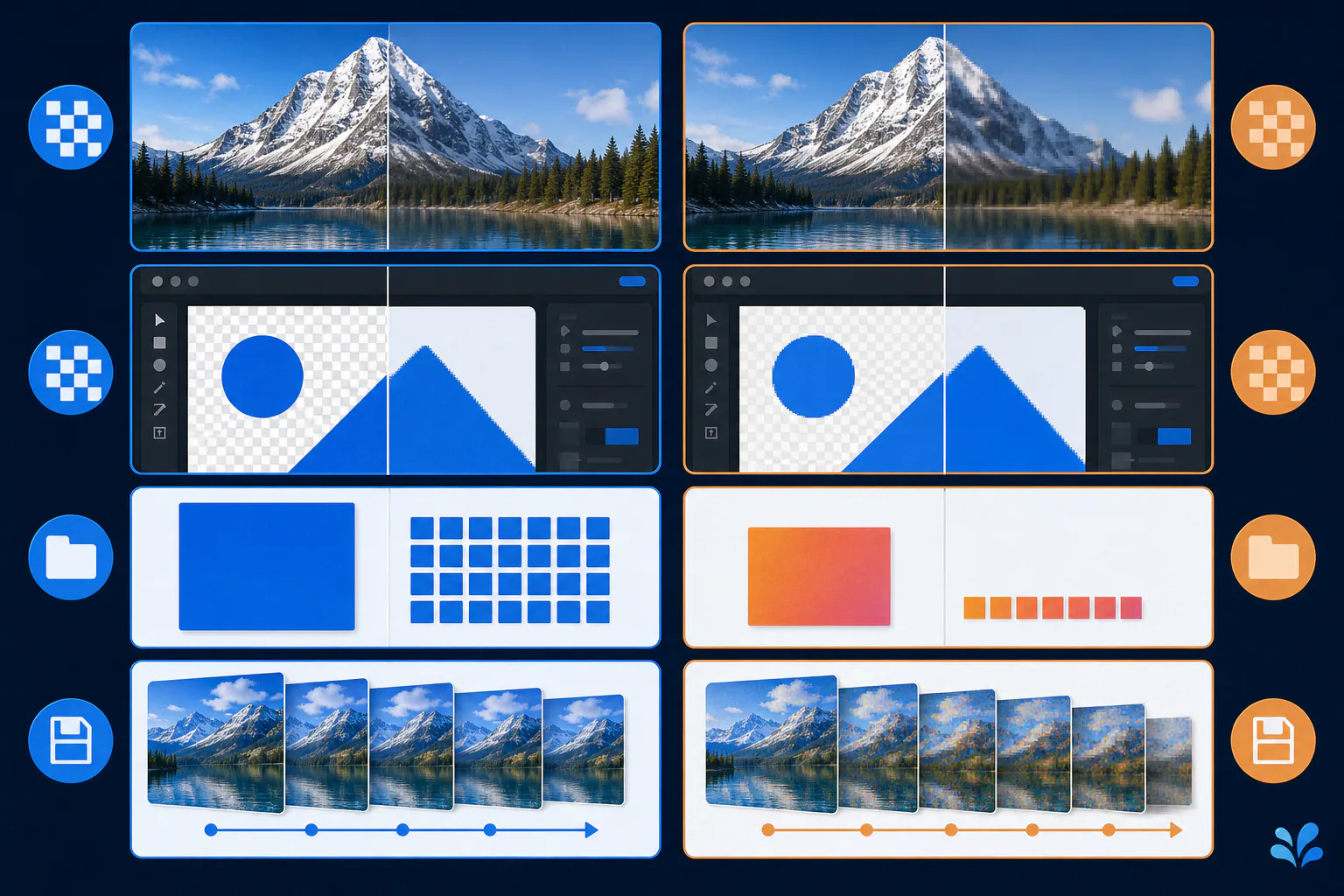
Do not make the decision from a generic compression ranking. A detailed photograph, a soft gradient, and a sharp interface screenshot stress encoders differently. A format that wins on one source may lose on another at the quality level people actually accept.
If authoring speed matters, include it in the decision. Higher-effort encoding can be reasonable for assets generated once and served many times, while an interactive export workflow may value a faster, predictable encoder more highly.
- AVIF: prioritize compact web delivery and modern format capabilities.
- WebP: choose a broadly useful modern default for photos and transparency.
- JPEG: choose familiar compatibility for opaque photographs and legacy workflows.
Quality is controlled by more than the format name
Lossy encoding removes information to reduce size. The visible result depends on the encoder, its quality setting, chroma handling, bit depth, and the source image. Textured areas can hide some loss, while faces, gradients, small text, and crisp edges make artifacts easier to notice. Comparing files at the same numeric quality value is misleading because quality scales are not standardized across formats or encoders.
The Alliance for Open Media describes AVIF as an AV1-based image format designed for strong compression and quality. MDN's image format guide presents AVIF and WebP as modern web choices and JPEG as a strong option for photographs. Those are useful starting points, but a production choice still needs a source-specific visual check.
Transparency, animation, and color needs can decide first
If an asset needs transparent pixels, baseline JPEG is out: it does not provide an alpha channel. WebP and AVIF can represent transparency. Both modern formats can also represent animation, although an animated asset deserves separate testing because decoding cost and total bytes can outweigh the convenience of a single file.
Color management and high dynamic range requirements also matter. Confirm that the full path—exporter, CDN, browser, and editing software—preserves the profiles and bit depth you need. A format may allow a feature in its specification while a particular tool omits it during export.
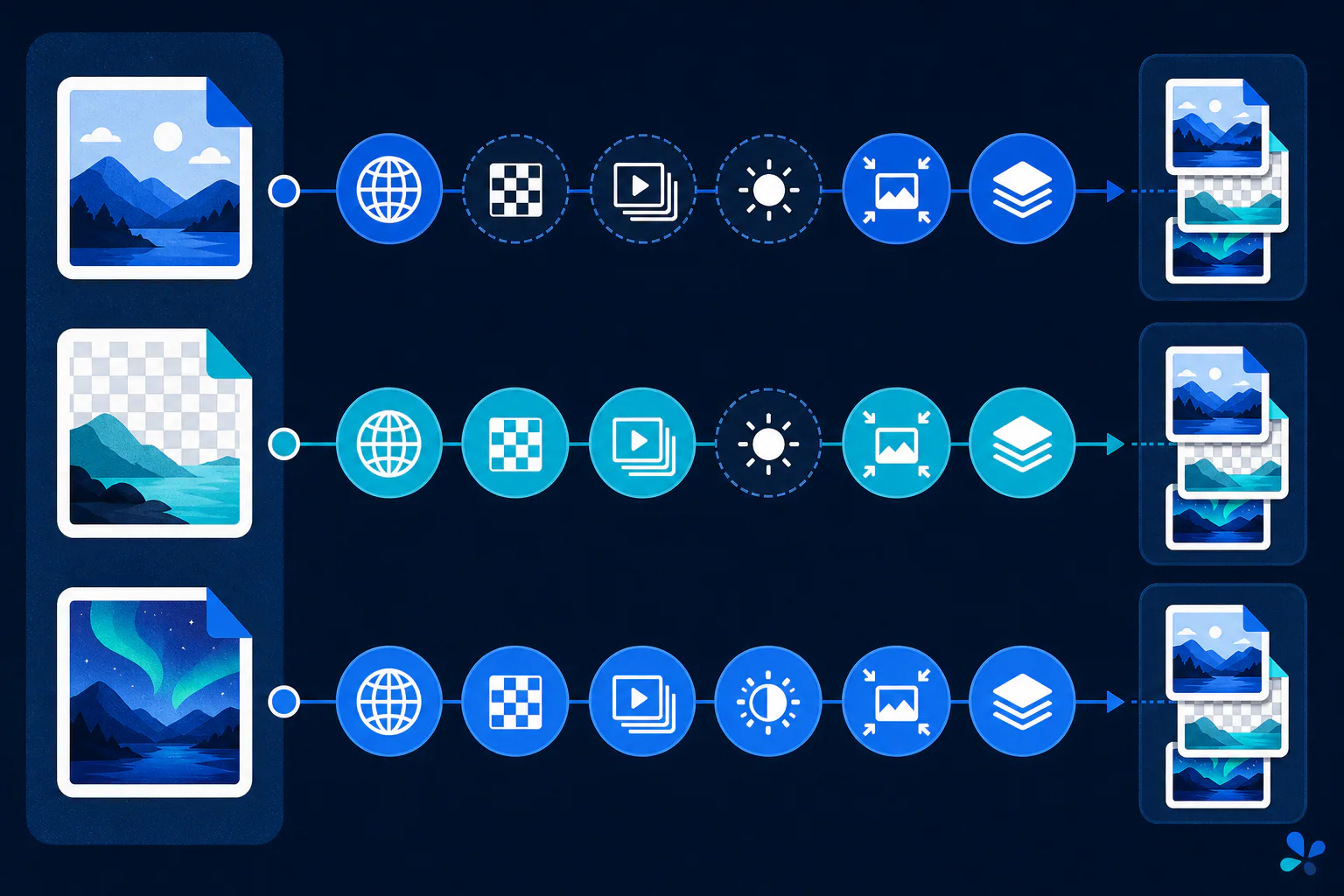
Compatibility is also a pipeline question, not only a browser-version table. Check the image editor that creates the asset, any optimization or CDN step, the consuming browser, and downstream tools that download it. On the web, a `picture` element can offer AVIF or WebP sources before a JPEG fallback, allowing capable browsers to choose a modern format while preserving a conservative option. Confirm the actual markup and response MIME types in production.
Use a repeatable comparison instead of assumed benchmarks
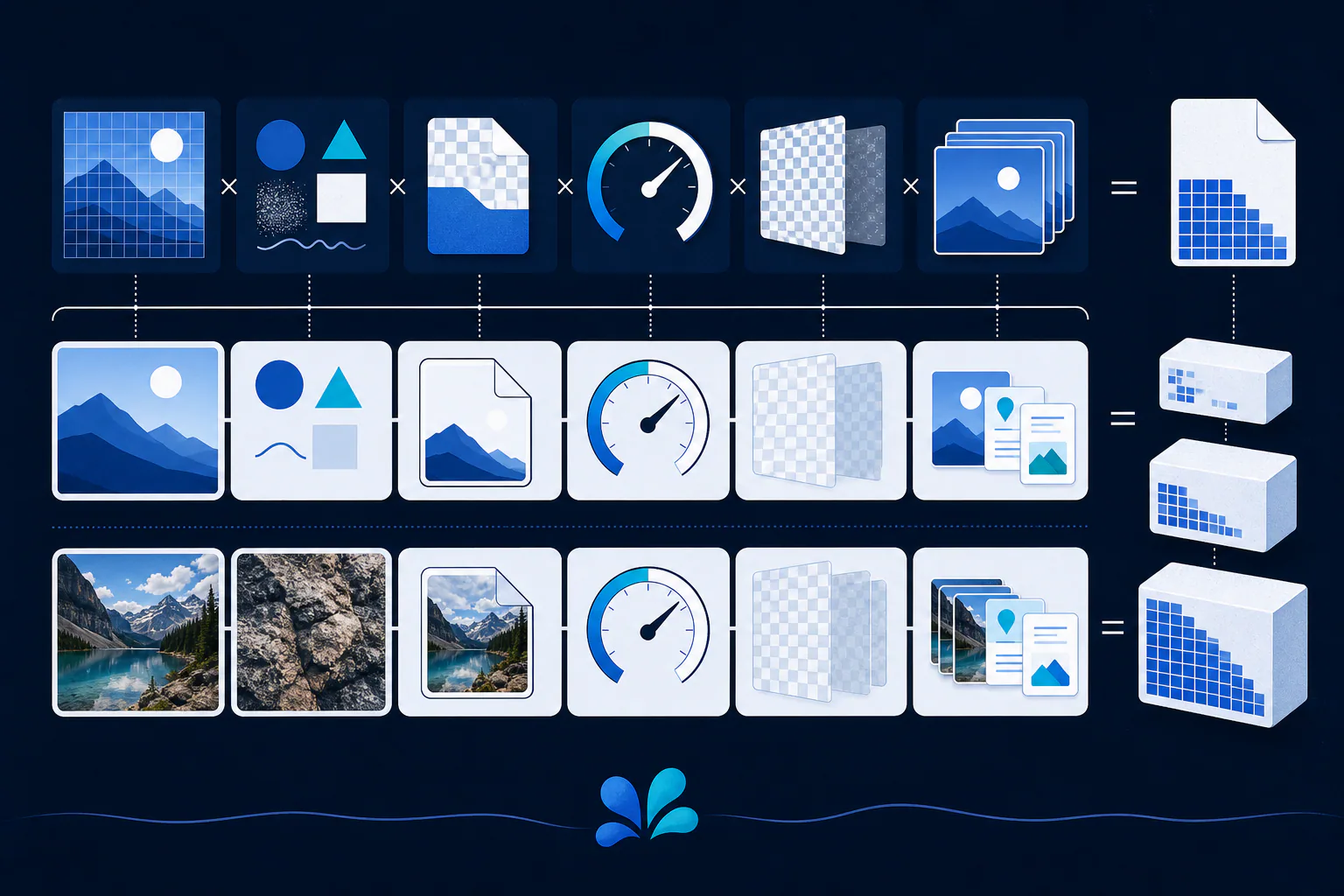
A useful evaluation uses your own images: select representative photos, gradients, illustrations, and screenshots; encode each with documented settings; compare dimensions and bytes; then inspect at normal display size and at a magnified crop. Record decode or page metrics in the browsers and devices your audience uses. This is a recommended method, not a claim that one format achieved a particular result on Tool Swim.
Keep the original source outside the delivery test. Re-encoding a JPEG into AVIF or WebP may reduce its byte count, but it cannot restore details removed by the first JPEG encode. For responsive pages, generate several widths from the best available source and let the browser select an appropriate candidate.
Convert a copy without uploading the image
Tool Swim, the organizational author of this guide, provides an image converter that runs locally in your browser. Your selected image does not need to be uploaded to Tool Swim for conversion. That makes quick format trials convenient, but you should still retain your original file and verify the output before replacing a production asset.
Keep reading
Primary sources
- MDN Web Docs: Image file type and format guide
- Alliance for Open Media: AV1 Image File Format (AVIF)
- JPEG Committee: Workplan and specifications of JPEG 1
Tool Swim is the organizational author and publisher of this guide. We cite primary specifications and platform documentation where they clarify behavior, and update the article when the guidance changes.